Power BI Desktop Integration
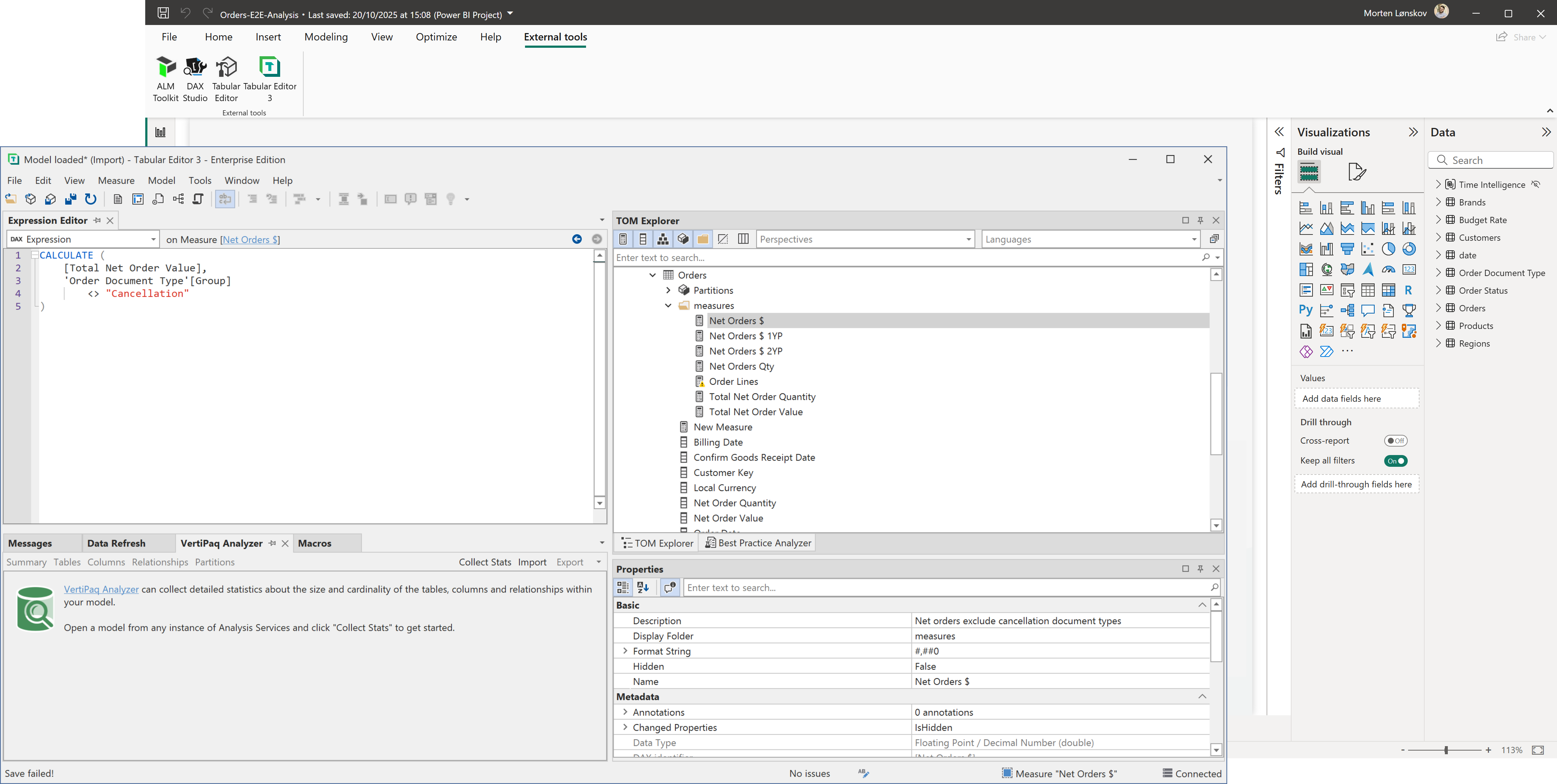
Power BI Desktop supports External Tools which allows Tabular Editor to perform modeling operations when working with Imported or DirectQuery data in Desktop.
Prerequisites
- Power BI Desktop (July 2020 or newer)
- Latest version of Tabular Editor
Also, it is highly recommended that automatic date/time is disabled (Power BI Desktop setting under "Data Load").
External Tool architecture
When a Power BI Desktop report contains a data model (one or more tables in Import or DirectQuery mode), Power BI Desktop hosts that model in a local instance of Analysis Services. External tools connect to this instance.
Important
Power BI Desktop reports that use a Live Connection to SSAS, Azure AS or a dataset in a Power BI workspace don't contain a data model, and external tools such as Tabular Editor can't connect to them.
Important
Power BI Desktop reports that directly edit a Direct Lake or other Fabric model don't contain a data model. Tabular Editor opens the model from the service, as Power BI Desktop does.
Power BI Desktop assigns the Analysis Services instance a port number. When you launch a tool from the External Tools ribbon, Power BI Desktop passes the port number to the tool as a command-line argument, and Tabular Editor loads the data model.
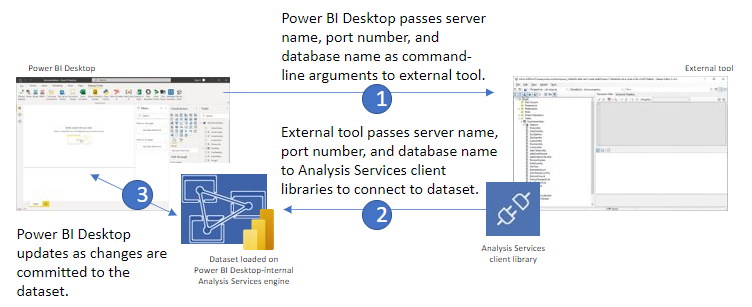
Once connected to the instance of Analysis Services, an external tool can obtain information about the model metadata, execute DAX or MDX queries against the data model, an even apply changes to the model metadata through Microsoft-provided client libraries. In this regard, the Analysis Services instance managed by Power BI Desktop is no different from any other type of Analysis Services instance.
Supported Modeling Operations
From the June 2025 Power BI Desktop update, external tools can change any part of the semantic model hosted in Power BI Desktop, including adding and removing tables and columns and changing data types. For earlier versions of Power BI Desktop, see Desktop Limitations and the official blog post.