Connect to Power BI dataflows
The Power BI dataflows connector imports entities from dataflows in the Power BI workspaces you're a member of and is available only as an implicit data source (see Legacy, structured and implicit data sources).
Open the dialog from Model > Import tables... by choosing Power BI Dataflow.
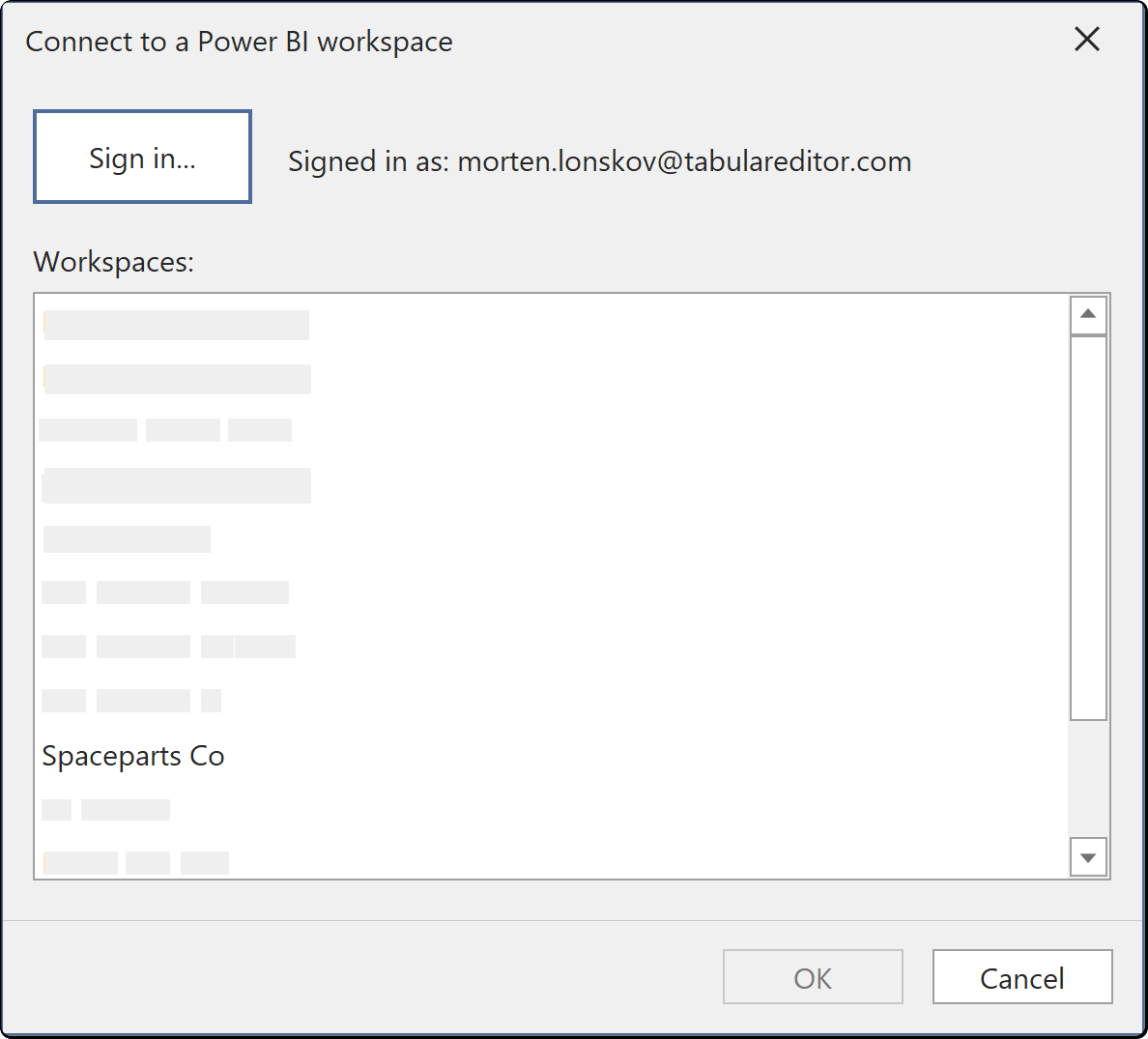
Connection fields
| Field | Description |
|---|---|
| Sign in... | Signs in to the Power BI service with Microsoft Entra ID |
| Workspaces | The workspaces your account is a member of. Select one workspace |
If a workspace has no dataflows, it appears empty.
Authentication
Sign in... starts a Microsoft Entra ID browser sign-in.
Tabular Editor saves the connection settings and credentials in your user options file (see Where credentials are stored).