Connect to Oracle
The Oracle connector connects to Oracle databases through the Oracle OLE DB provider. Select Model > Import tables... and choose an Oracle source to open the dialog.
Prerequisites
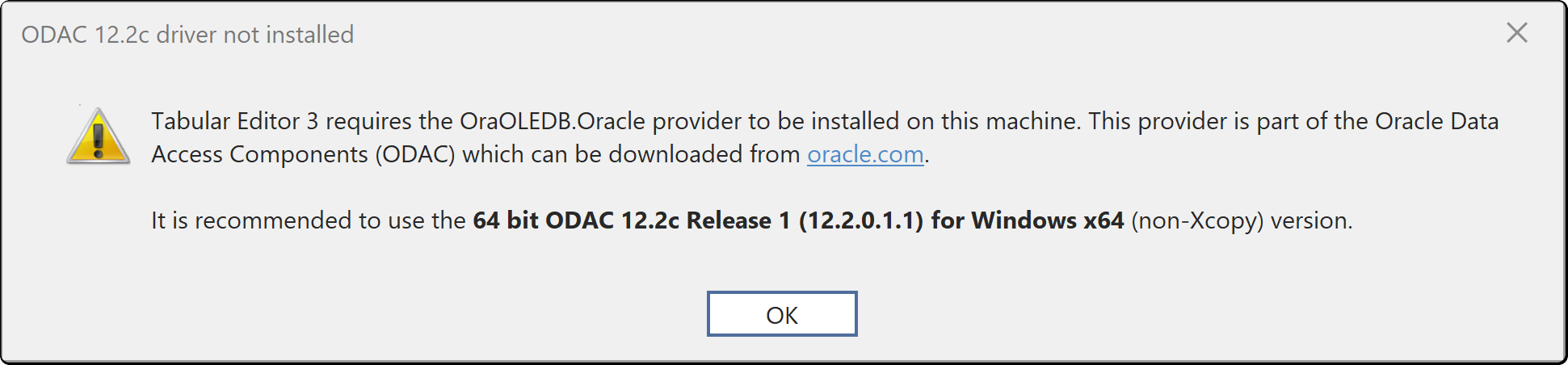
Install the Oracle OLE DB provider (OraOLEDB.Oracle), part of Oracle Data Access Components (ODAC), on your machine. If the provider is missing, Tabular Editor shows this warning:
Connection fields
| Field | Description |
|---|---|
| Server | The TNS name, Easy Connect string or full connect descriptor. Required |
| Username and Password | An Oracle database account. Username is required |
| Additional connection string properties (optional) | Extra connection string settings |
Authentication
You authenticate with the user name and password of an Oracle database account. The dialog has no integrated or directory-based authentication option.
Tabular Editor saves the connection settings and credentials in your user options file (see Where credentials are stored).
Identifiers
In the SQL it generates, Tabular Editor quotes Oracle schema and table names with double quotes. Oracle stores unquoted names in upper case, so a table created as sales without quotes appears as SALES. Quoted names in a native query must match the stored case. If the wizard doesn't list a table you expect, check the case of its name in Oracle before you check permissions.